Architectural practice
without the compromise.
Blog

AI in architecture: where it helps, and the studio rules to set first
Where AI helps at each stage of an architecture project, what comes back, and the studio rules to set before client work, from AIA, ICO and insurer guidance.
Read article
Space planning: how to test a layout against the brief before you draw it up
Space planning for architects: turn the brief into a room schedule, test it against a space standard, then plan adjacency, circulation and furniture.

Floor plan symbols: what each one means and how to keep them consistent
Floor plan symbols for doors, windows, stairs and annotations: what each one tells the reader, who standardises them and how to keep one office set.
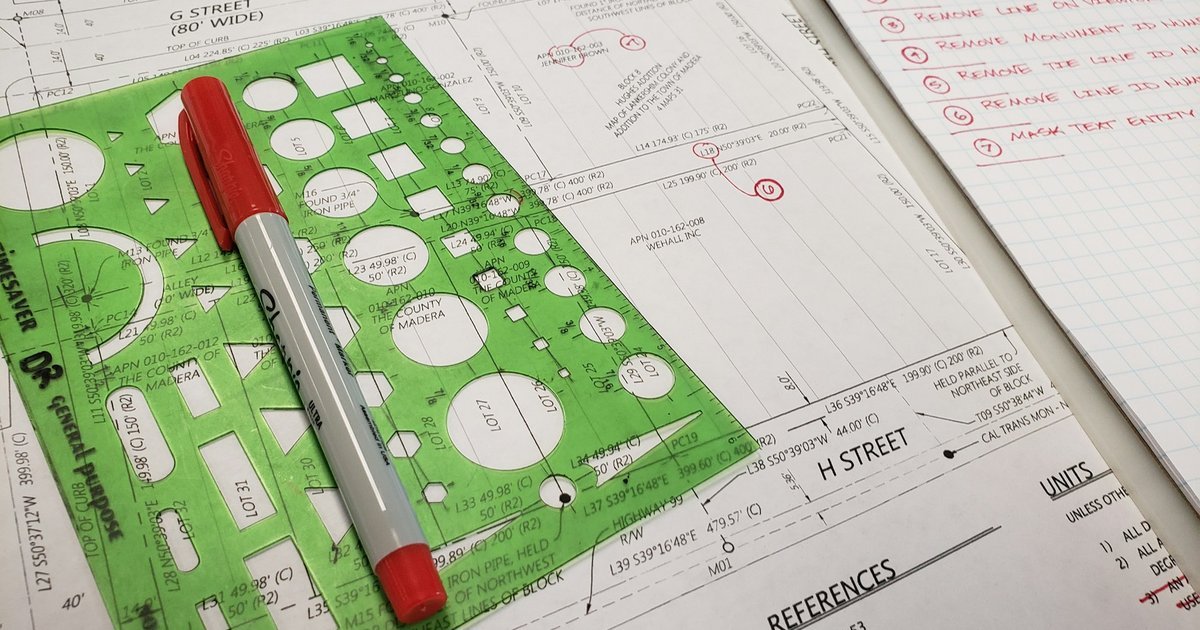
Redline drawings: how to mark up a drawing set and close out the comments
How to mark up redline drawings so the drafter can act on them, log every comment with an owner and close each one against a numbered revision.

Web-based CAD for architects: what to test before you move drafting
Before you move drafting to web-based CAD, test the consultant file round trip, plotted scale, sharing, export and data questions on one live job.

AI architecture render from a floor plan: what to send and what comes back
An AI architecture render follows your plan and camera and invents finishes. Prepare openings, furniture, camera and brief, then read it against the plan.
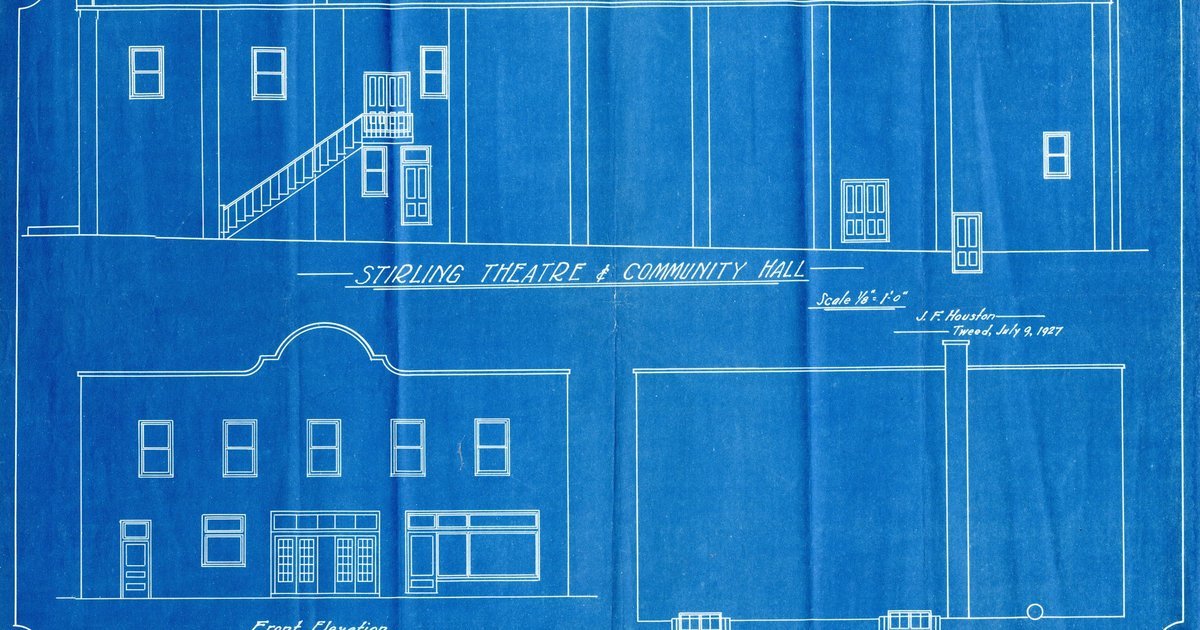
Image to CAD: turn a JPG or photo of a plan into an editable DXF
Image to CAD for plans: what online JPG to DXF converters return, how to prepare the photo, trace or vectorise it, set the scale and clean up the DXF.
Architectural title block: what goes on it and how to set it up once
What an architectural title block must carry, where it sits on the sheet, how sheet numbers and revisions are built, and how to draw it once and reuse it.
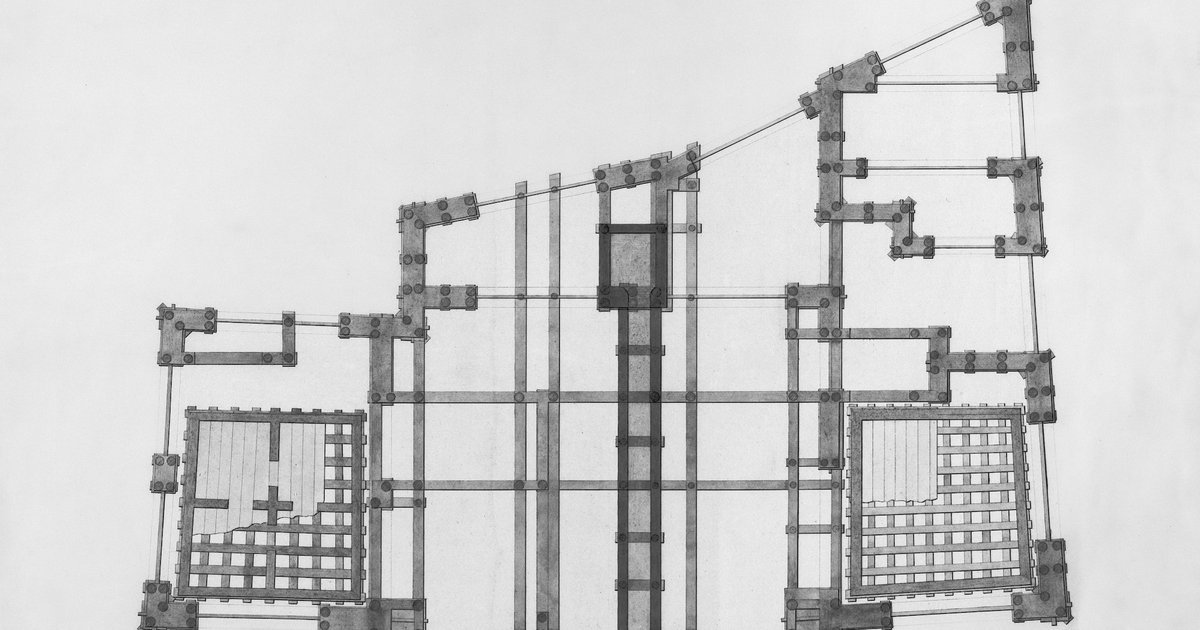
Floor plan dimensions: how to dimension a plan a builder can use
Floor plan dimensions a builder can set out from: what to dimension, string order, which face to measure from, units, room areas and how to check them.

Schematic design: what it produces and how to run it
Schematic design turns a brief into preliminary plans, sections and massing the client approves. See the deliverables, the steps and a sign-off checklist.
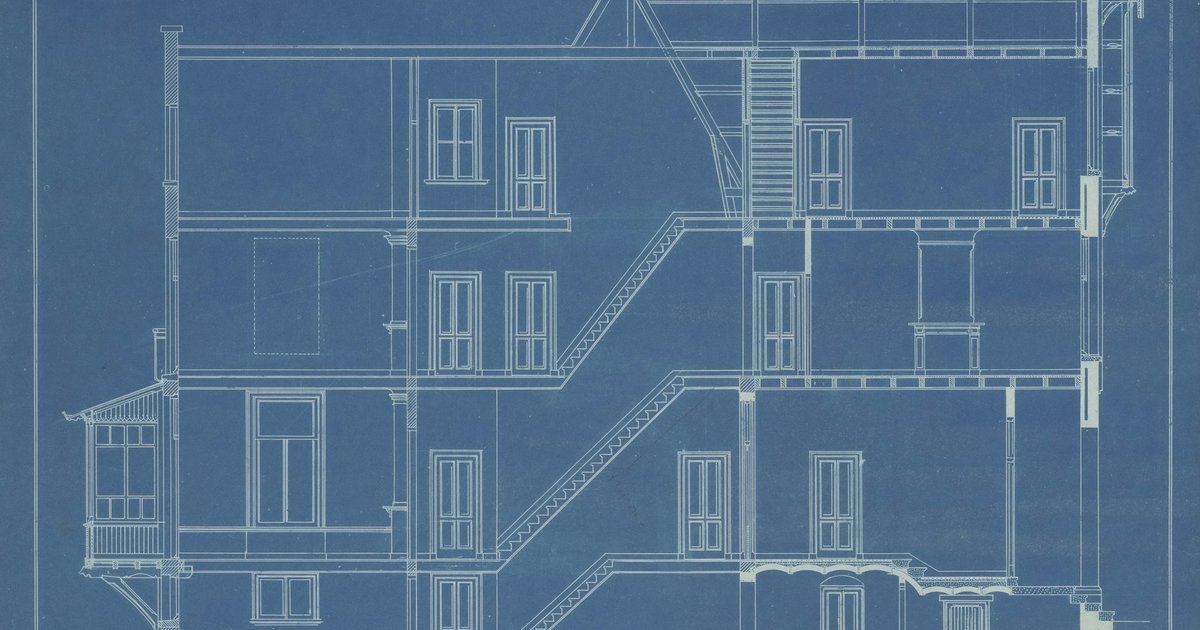
As-built drawings: what they show and how to produce them
As-built drawings show a building as it stands, not as designed. Learn how they differ from record drawings, what to include and how to survey and draw them.
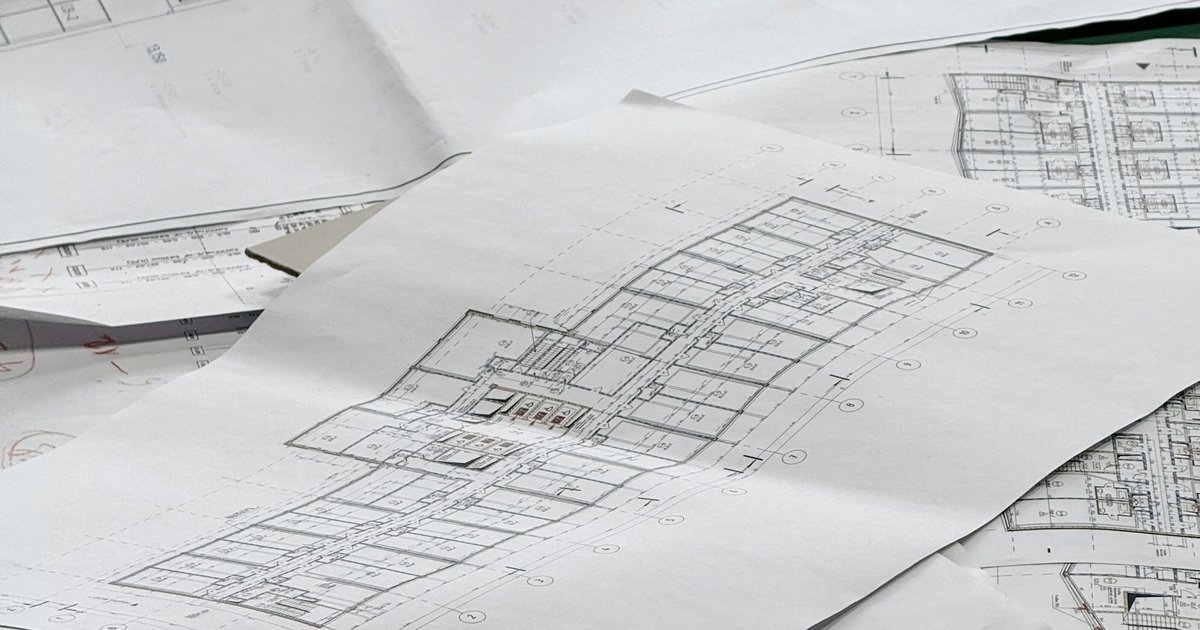
AI floor plan generator: what it gives you and what to check
An AI floor plan generator gives you a starting layout, not a checked plan. Learn the three output types and a 10-point check to run before you develop one.
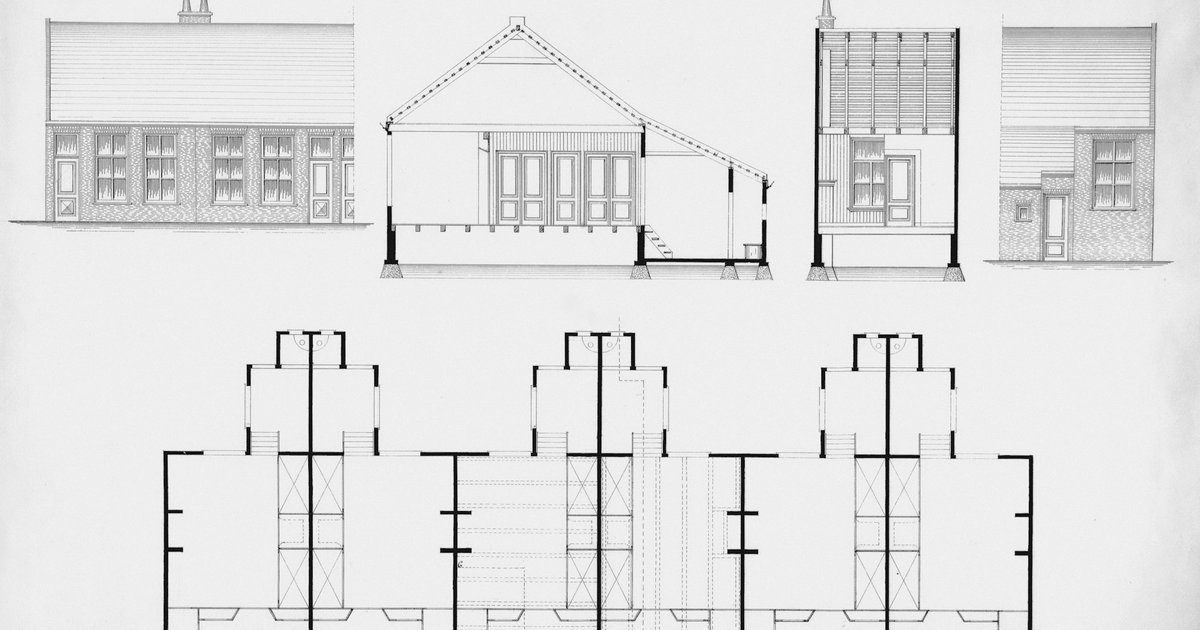
CAD file formats: DWG, DXF, IFC, PDF and which to ask for
CAD file formats for architects: DWG, DXF, DGN, RVT, IFC, PDF and SVG, what primary sources say about each, and which to ask for by job.

Architectural drawing scales: what two UK councils list
Architectural drawing scales for plans, elevations and details from two UK council guides, how 1:48 relates to 1:50, and a check to run after export.
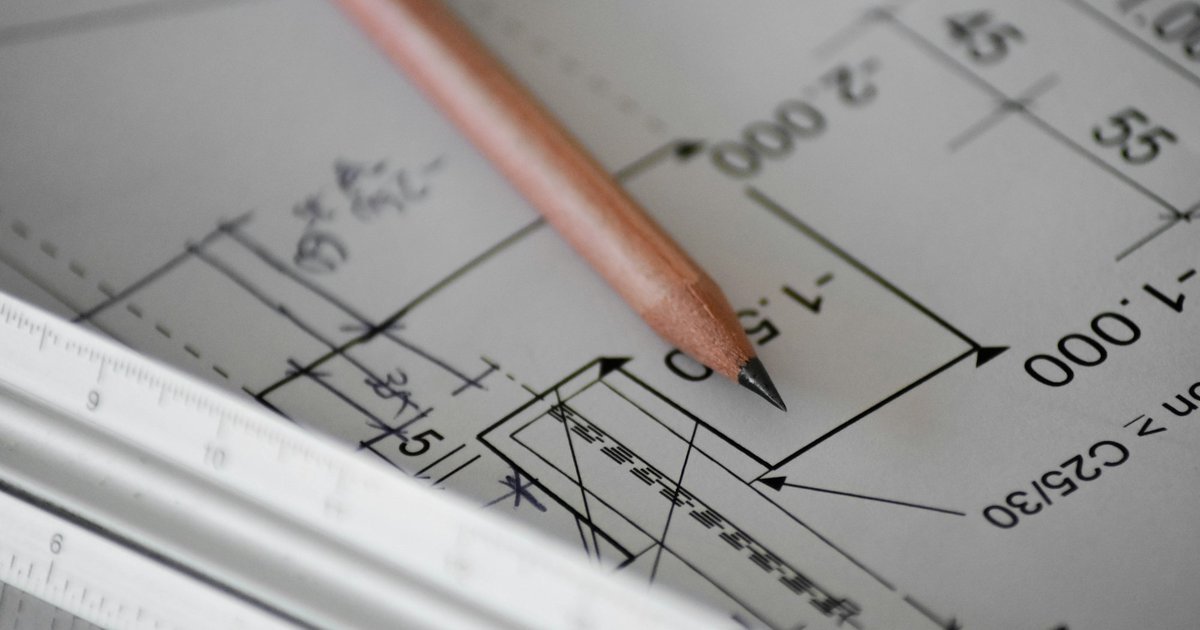
PDF to DWG: convert a vector PDF, trace a scanned plan
PDF to DWG for architects: tell a vector PDF from a scan, import it in AutoCAD, see what Autodesk says changes, and trace scans instead.

DWG vs DXF: which file to send, and what to check after
DWG vs DXF for architects: what each file is, which to send by recipient, what Autodesk says about DXF losses, and a five-step pre-send checklist.
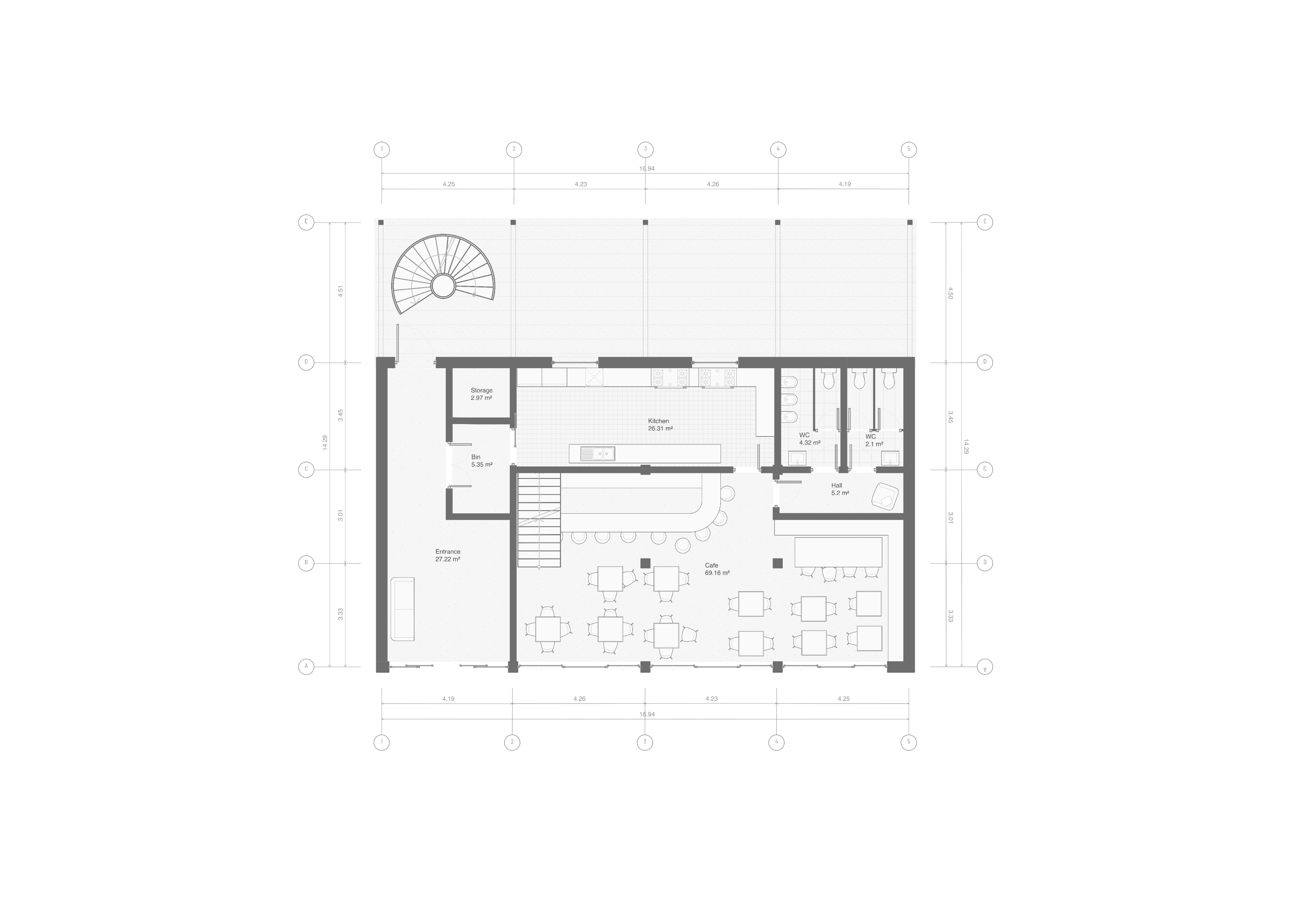
Free floor plan creators: AI, editing and export limits
Compare free floor plan access, AI allowances, editing and paid export limits. Check whether your whole task can finish without an upgrade.
8 AI tools for architects in 2026, and what each one outputs
Eight AI tools for architects sorted by output, plus the AI built into Archicad, Revit and SketchUp. Prices and file handoff checked on 29 September 2026.
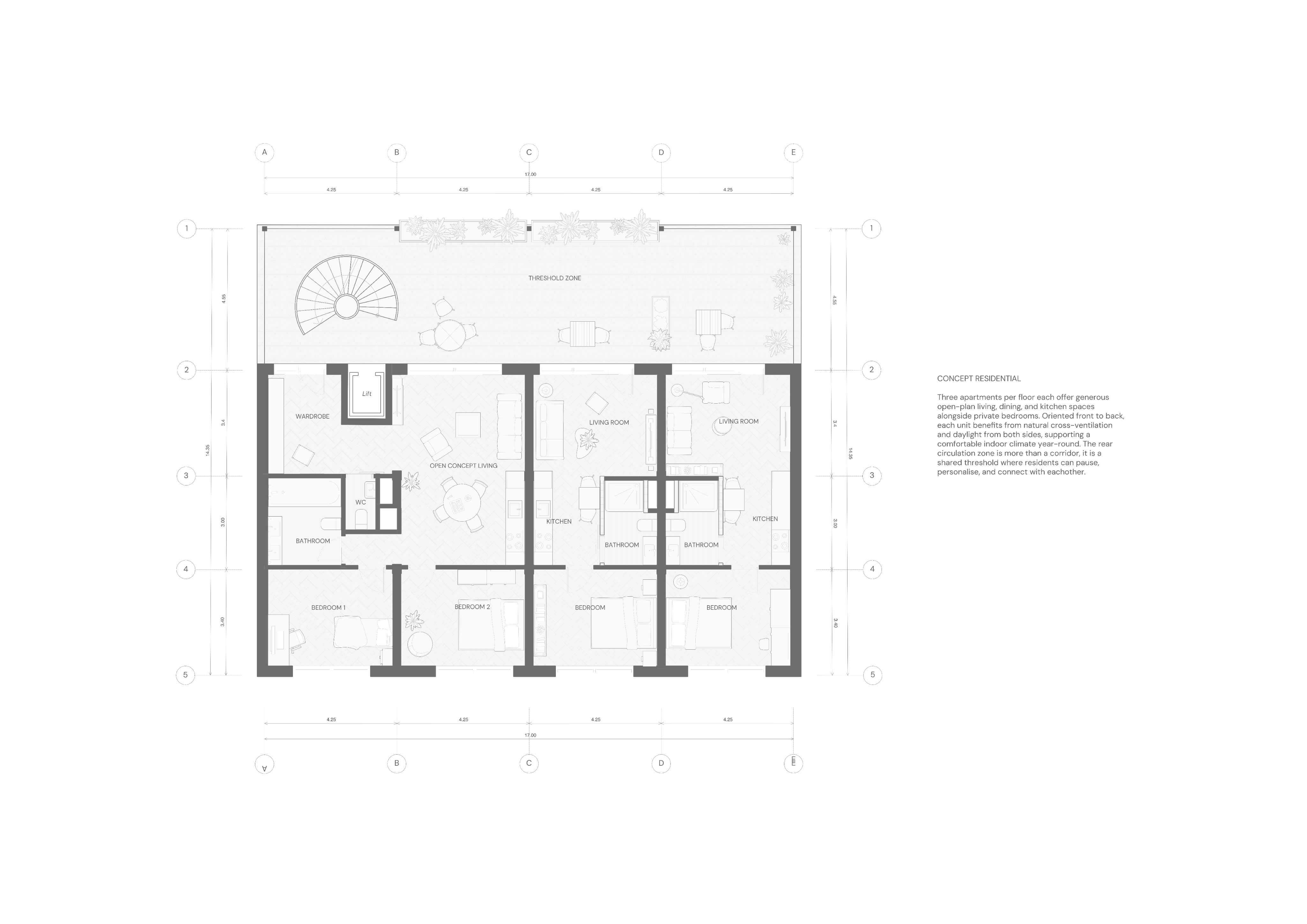
How to choose floor plan software for architectural work
Choose floor plan software by testing input files, precise edits, dimensions and exports on the same task. Use a practical evaluation card.

Synaps: The AI architectural platform for drafting and design
Use Synaps for AI-assisted tracing, editable layouts and design images. Choose a workflow, check the result and prepare the right handoff.
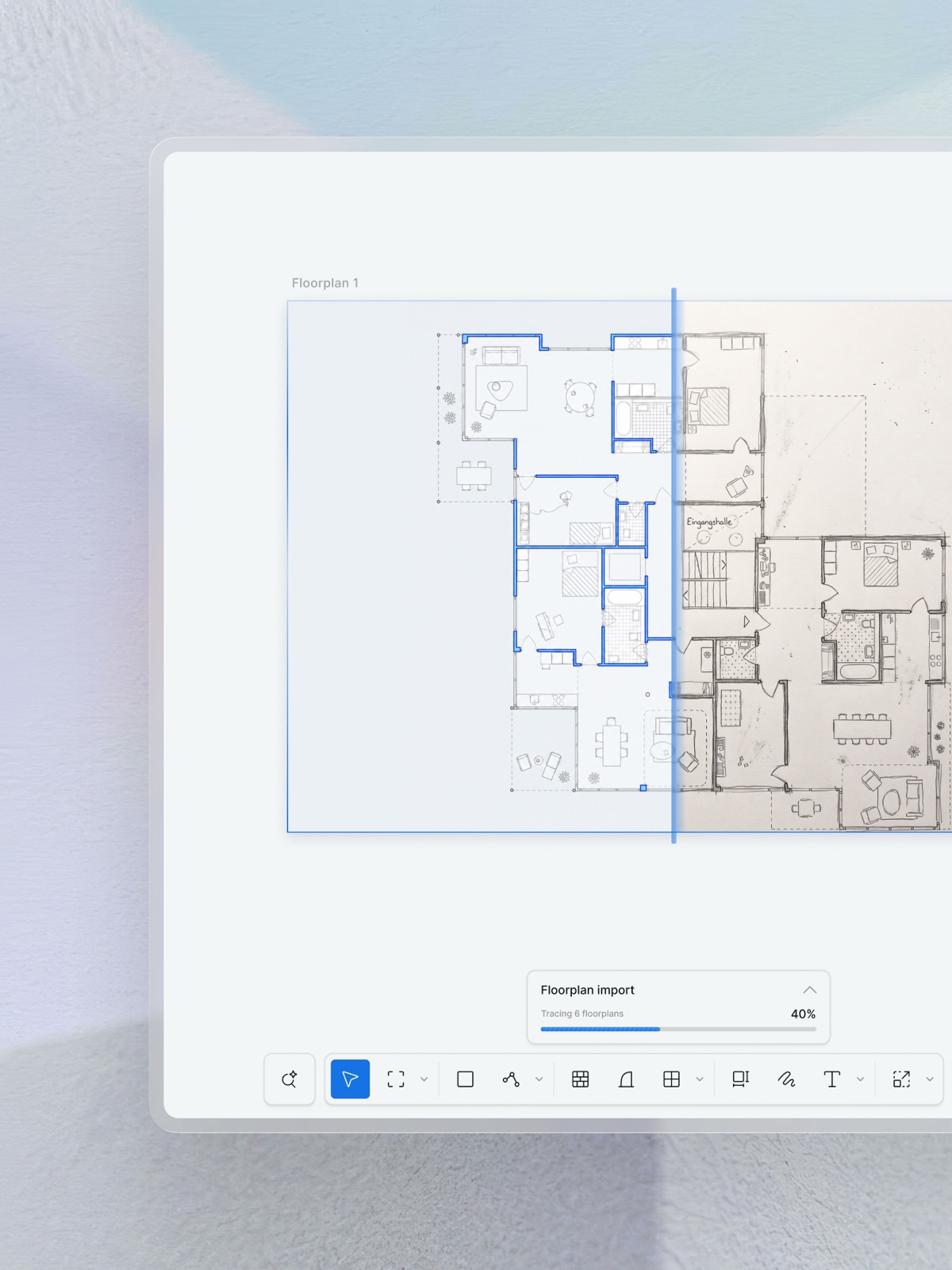
Scanned floor plan to editable drawing: a workflow and buyer's checklist
Convert a scanned floor plan into editable geometry, check scale and openings, and compare floor-plan tools using a repeatable review worksheet.

AI floor plan generation within a boundary: what stays editable?
Generate an editable floor plan inside a closed boundary in Synaps. Write the brief, check constraints and understand what changes after generation.

Architectural post-production: a complete guide to image editing in Synaps
Edit architectural images in Synaps: change materials, replace furniture, refine lighting, create cutouts, expand compositions and enhance resolution.
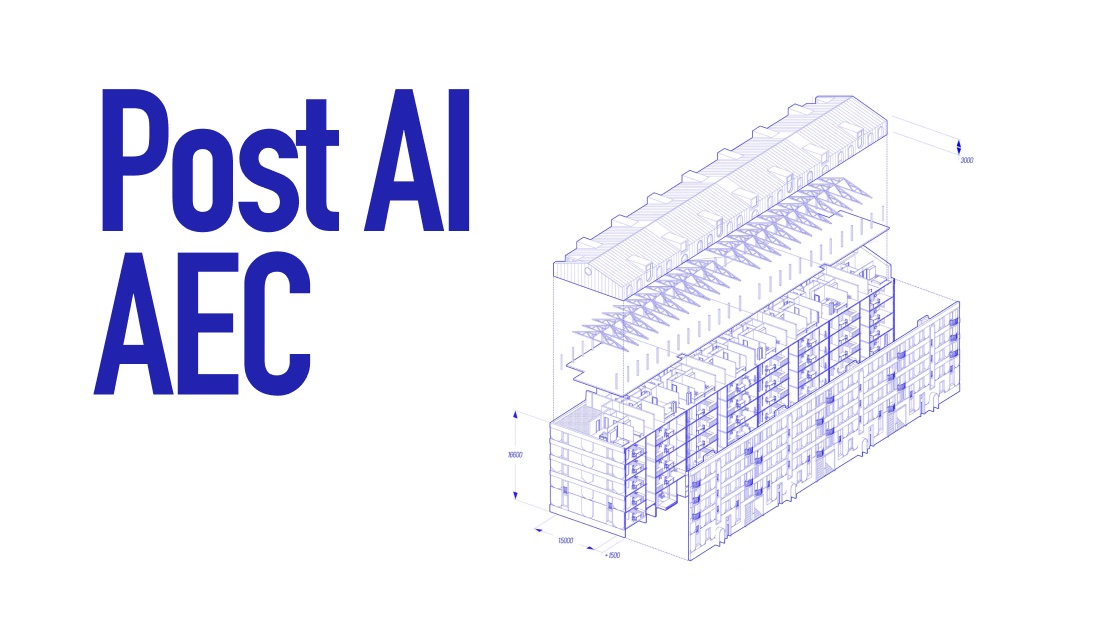
Why we're not trying to replace Revit
The recent a16z article “Every building you’ve ever been in was designed by software built in 1997” resonated deeply with us as a team building in AEC.

Prioritizing design craft
In a crowded digital market, distinguishing between products can be both time-consuming and costly. For decades, differentiation was achieved primarily through…
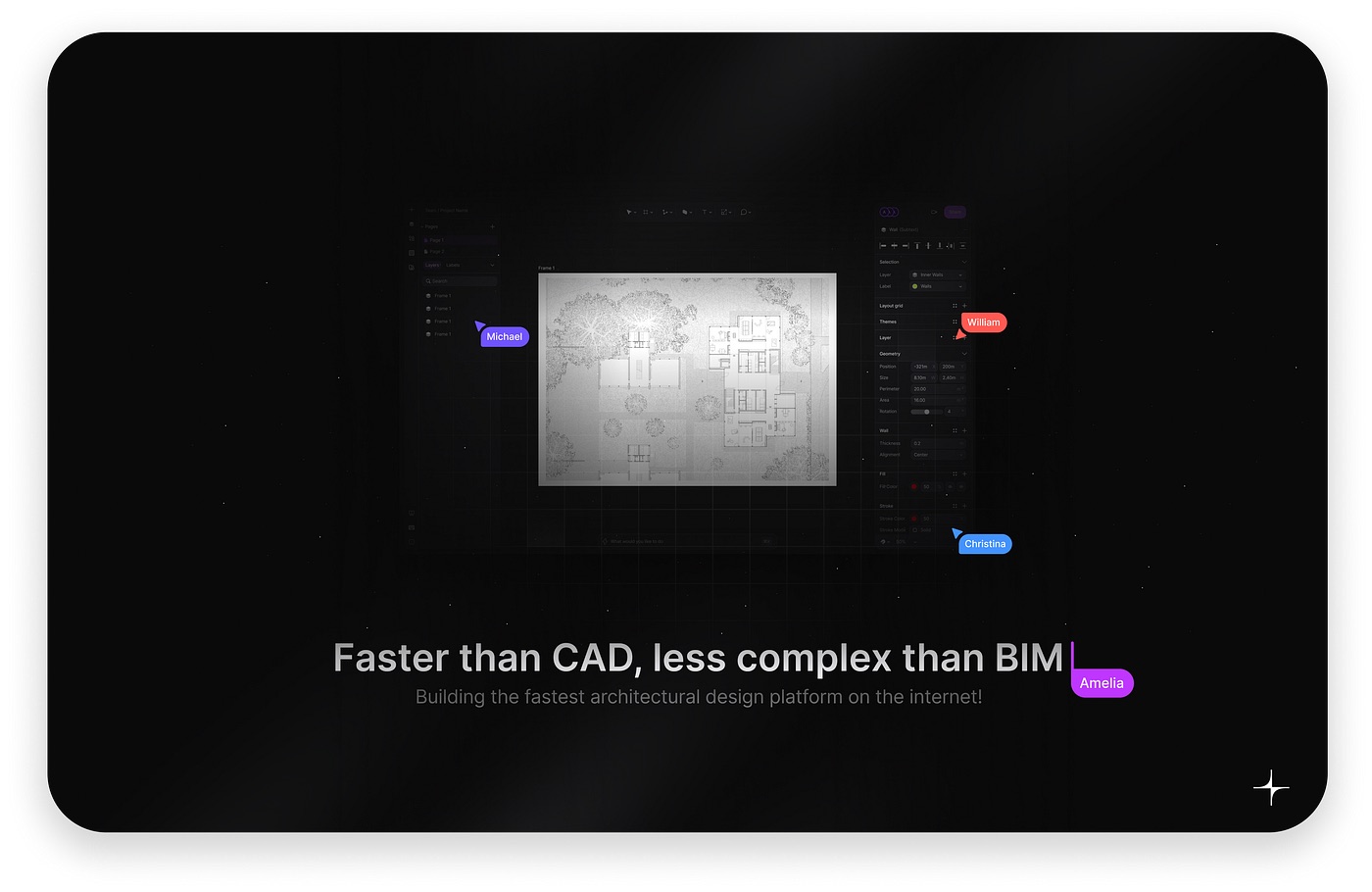
Fast is more
Every aspiring architect starts their journey with a burning desire to be creative and design spaces that nurture people, stories, and emotions. They envision…

The blueprint of architecture
Architects shape the spaces we inhabit, from our workplaces to our homes, parks, and streets. These architectural spaces are essential to human life, a fact…