Synaps can generate one editable floor plan from a written brief, optionally inside an outline you select. Its documented boundary input is a closed rectangle or polyline with an area larger than 20 m². The result contains recognized drawing elements you can select and adjust. It remains independent of the original boundary after generation. Generation guide
The useful sequence is to check the footprint, describe the spaces, generate a proposal and inspect it against the brief. Editability lets you continue the design. It does not establish that the first result satisfies every constraint.

Separate fixed conditions from preferences
An apartment may have a fixed entrance, structural elements, windows and service connections. The client may prefer a larger living room, an enclosed kitchen or more storage. Record those separately before generating.
The selected boundary describes the footprint. It does not communicate every restriction within an existing building. Describe relevant conditions in the brief and verify them in the result. Do not treat a prompt instruction as proof that the layout obeys it.
Draw and check the outline
Open a project you can edit. Draw a closed rectangle or polyline around the area to plan and confirm its size. The area must exceed 20 m², so a shape measuring exactly 20 m² does not meet the documented condition.
Use Measure to check the dimensions. Inspect recesses and narrow sections of an irregular outline. An incorrectly sized footprint will undermine the usefulness of a carefully written brief.
Describe accommodation and relationships
For a hypothetical apartment within an approximately 100 m² outline, use a brief you can check:
Create a two-bedroom apartment within the selected boundary. Include one double bedroom, one smaller bedroom that can also work as a study, one bathroom, a utility cupboard and an open-plan kitchen, dining and living area. Place the entrance along the lower edge of the drawing. Keep the bedrooms together and separate from the main living area. Make the bathroom accessible from the hall. Prioritize usable rooms and a short, clear circulation route, with storage near the entrance.
This is an example prompt from the earlier Synaps tutorial, not the input to a test performed for this article. It gives you specific requests to inspect. If two requirements compete for space, state which has priority. Materials and visual styling can wait until the arrangement is worth developing.
Attach the boundary and generate
- Open command search with Cmd+K on Mac or Ctrl+K on Windows. Choose Generate a floorplan.
- Enter the room brief.
- Choose Pick a boundary shape and select the closed outline.
- Confirm that the Boundary tag identifies the intended shape.
- Check the displayed credit cost, then submit with Enter or the send control.
Synaps documents a single editable result with recognized walls, rooms and openings. Recognized furnishings may also appear. For current controls, follow the generation instructions. Generation proposes a new arrangement; tracing reconstructs an existing source plan.
Check the proposal before refining it
Use the following original acceptance record for the apartment brief. Add your actual observations; the table contains no measured product result.
| Requirement | How to inspect it | Record before accepting |
|---|---|---|
| Two bedrooms, including a study option | Count the rooms and check the smaller room with intended furniture dimensions. | Missing room, conflicting use or measured clearance to resolve. |
| Entrance on the agreed edge | Compare the proposal with the source and confirmed entrance location. | Whether the entrance matches or needs correction. |
| Bathroom reached from the hall | Trace the access route and inspect the opening. | Any route through a private room or door conflict. |
| Storage near the entrance | Check the location and dimensions of the proposed storage. | Actual usable space, not only its label. |
| Fit within the footprint | Inspect the perimeter, corners and recesses. | Any overrun or unusable narrow space. |
| Respect fixed building conditions | Compare structure, windows and services with verified project information. | Each unresolved assumption and who will check it. |
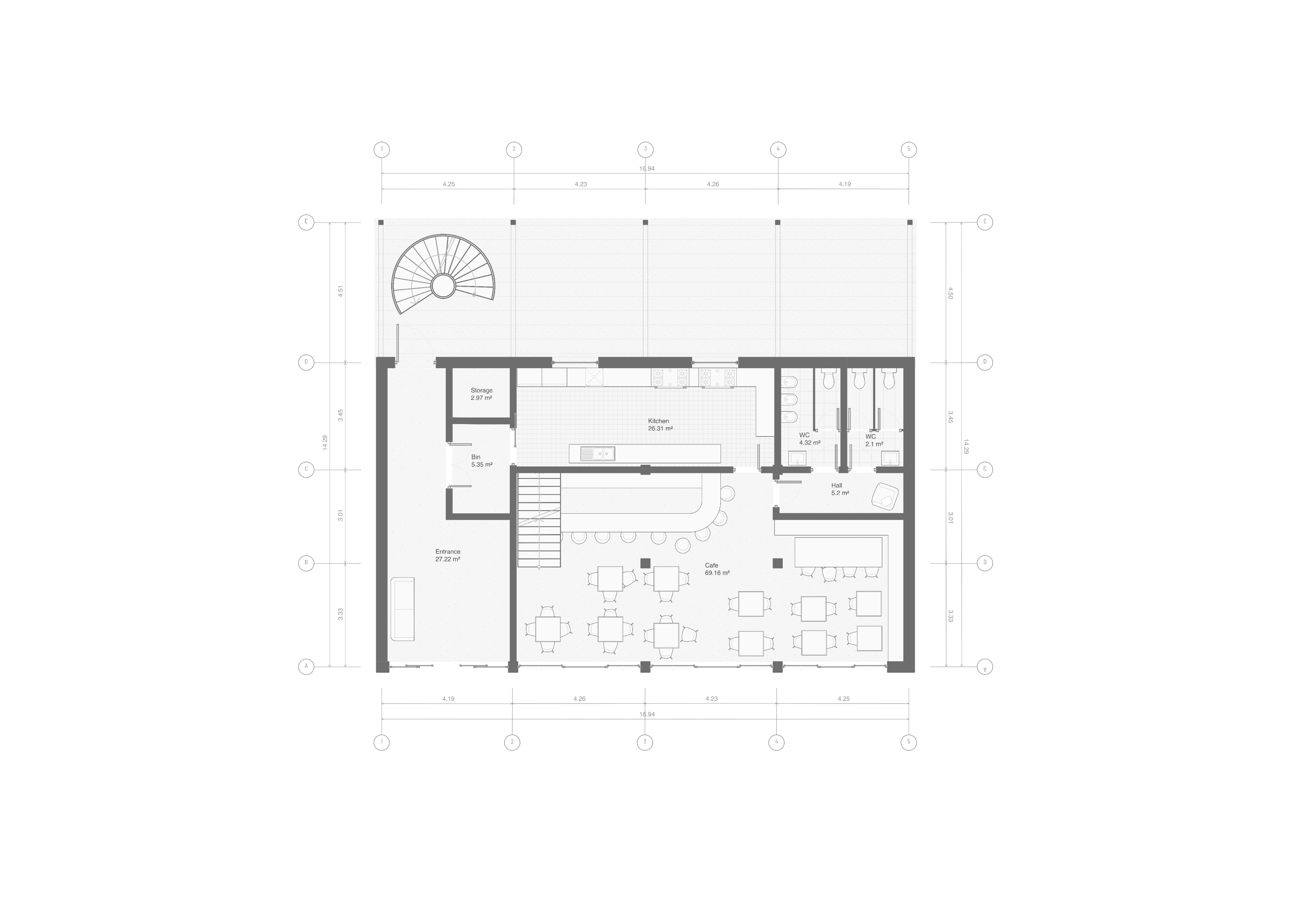
A label and a furniture symbol are not enough to establish a usable room. Measure the parts that determine whether the proposal works. Project-specific technical and regulatory review remains necessary before delivery.
Edit locally or revise the brief
For a localized issue, select and adjust the recognized drawing elements. If the arrangement misses a major requirement, clarify the brief and submit again. A further submission can use additional credits. AI credit guidance
Try this hypothetical revision exercise. After reviewing the apartment, suppose the available footprint becomes narrower. Keep the earlier plan as a labeled option, change the outline and inspect the old result. The documentation says that moving or changing the original boundary will not reshape the existing plan. You must edit the plan itself or generate another proposal with the revised boundary.
Check the smaller bedroom, entrance storage and bathroom route again after either approach. Do not assume the earlier checks still hold after a material layout change. This exercise explains the documented dependency; it is not a recorded run.
Resolve the next obstacle
| Problem | Next check |
|---|---|
| Boundary is rejected | Confirm it is a closed rectangle or polyline and exceeds 20 m². |
| A required room or relationship is missing | Correct the drawing or clarify the priority before another submission. |
| Generation fails | Read the displayed error and resolve access or credit issues before retrying. |
| The old plan does not follow an edited outline | Edit the plan or make a new generation using that outline. |
When presenting the proposal, identify the decision that needs an answer. For the apartment, it might be whether the second bedroom primarily serves as a bedroom or a study. Keep the alternatives and unresolved conditions visible. This is one part of the broader Synaps drafting and design workflow. Start with a measured outline and a brief in an editable Synaps project.